
Digital Gardens: Grow Knowledge Instead of Just Publishing It
Publish knowledge that grows, not just posts.
The dominant model for publishing knowledge online has not changed much since the early 2000s: write something, polish it, publish it, move on.
Blog posts are finished when they are published.
That model creates a hidden cost. The knowledge that does not make it into a finished piece — the half-formed ideas, the developing hypotheses, the notes that are useful but not polished — stays private. Publicly, you appear to know only what you have been willing to finalize and ship.
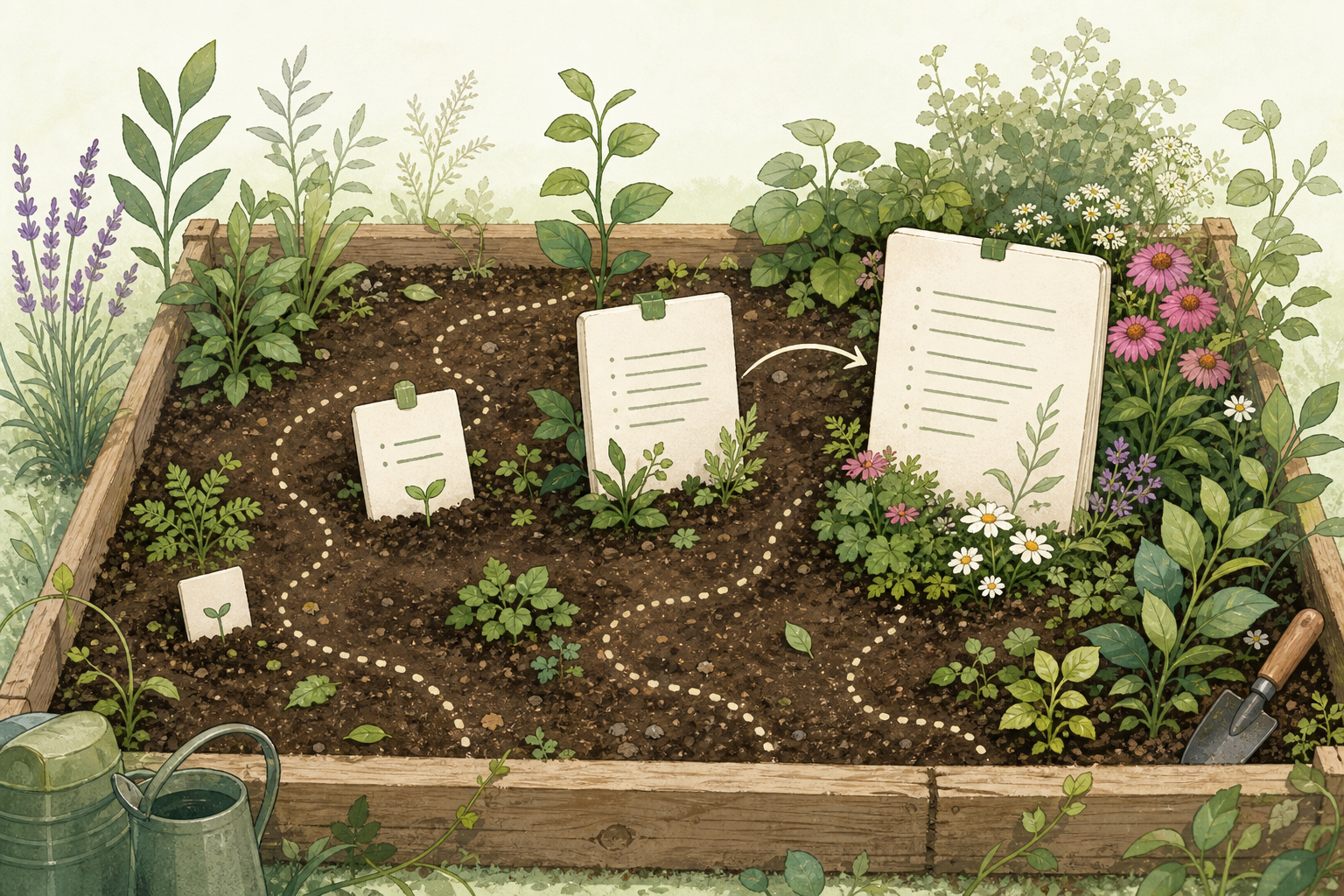
Digital gardens are a different publishing philosophy. Instead of treating knowledge as a series of finished articles, a garden treats it as an evolving network of ideas at different stages of development. Some notes are rough seedlings. Some are well-developed and stable. All of them are public, linked, and growing.
The term gained momentum through writers like Maggie Appleton, who documented the history and practice of digital gardening, and Andy Matuschak, whose public evergreen notes embody the philosophy. For engineers who write technically, it offers an alternative to the pressure of the polished post.
The Garden Metaphor
The gardening metaphor is specific, not decorative.
A traditional blog is agriculture. You plant a crop, grow it to maturity, harvest it (publish), and the field is ready for the next planting. The previous crop is gone. Posts decay in chronological order, replaced by newer ones.
A digital garden is horticulture. You plant things, tend them, some grow faster than others, some get pruned, some survive for years. Nothing is harvested and discarded — it persists and develops.
The practical implication: garden content is organized by connection and stage of development, not by publication date. You navigate by following links, not scrolling backward through time.
Growth Stages
The most practical feature of a digital garden is the idea of visible growth stages. Instead of binary published/draft status, garden notes exist on a spectrum:
Seedling — a rough idea, a question, or a brief note that might grow into something. Published, but clearly labeled as incomplete. A seedling signals to the reader: “this exists, you might find it interesting, it is not finished.”
Growing — a developing note with real content, links to other notes, and an emerging structure. Worth reading, but still actively being refined.
Mature — a stable, well-developed note that has been revisited multiple times and is unlikely to change substantially. Mature notes are the evergreen core of the garden.
Archived — notes that have been superseded, merged into a better note, or no longer represent current thinking. Kept for historical context rather than current use.
The stages can be whatever labels you choose. The important behavior is that they are visible to readers. Showing the stage communicates honesty about the state of the knowledge, and it removes the pressure to polish everything before sharing it.
Digital Garden vs Blog vs Wiki
These three publishing models are often confused or conflated. They have genuinely different purposes.
| Property | Blog | Wiki | Digital Garden |
|---|---|---|---|
| Organization | Chronological | Hierarchical | Networked |
| Content state | Finished | Collaborative | Evolving |
| Navigation | Feed / archive | Category / search | Links / graph |
| Voice | Editorial | Institutional | Personal |
| Updates | New posts replace old | Pages updated in place | Notes refined continuously |
A blog is best for finished, time-stamped writing — announcements, tutorials, experience reports that are complete at publication.
A wiki is best for shared, maintained reference material — team runbooks, product documentation, institutional knowledge that many people contribute to.
A digital garden is best for personal knowledge that evolves — developing ideas, technical thinking in progress, cross-linked concepts that grow more connected over time.
The three are not mutually exclusive. A site can have a blog for polished articles, a wiki for shared reference, and a garden for personal developing knowledge. Many technically-oriented sites run exactly this combination.
Gardening for Engineers
The digital garden model has specific advantages for technical writing.
Technical Knowledge Evolves
A 2021 article about Kubernetes ingress controllers is outdated by 2024. A 2021 article about distributed tracing concepts is still largely accurate. Technical content ages at different rates depending on whether it describes concepts or configurations.
Garden notes can model this explicitly. A note about tracing concepts might be labeled Mature and linked from a note about OpenTelemetry implementation that is labeled Growing — the concept is stable, the tool-specific implementation is evolving. The reader can see the difference at a glance.
Thinking in Progress Is Valuable
Engineers often have half-formed but useful thinking: a hypothesis about why a system behaves a certain way, a developing opinion about an architecture tradeoff, an emerging pattern across several production incidents.
Under the blog model, that thinking stays private until it is polished enough to publish. Under the garden model, it can be shared as a seedling, visible to collaborators and readers who might contribute to its development.
Links Replace Duplication
Technical concepts recur. Idempotency applies to payment APIs, job queues, distributed transactions, and HTTP APIs. Under the blog model, each article that needs to explain idempotency either duplicates the explanation or cross-references an old post that is increasingly out of date.
In a garden, one note about idempotency can be linked from every context where it applies. The note is maintained once and improves with each link.
Implementing a Digital Garden
Adding Status Fields
The simplest garden implementation adds a status field to existing content. In Hugo, this is a frontmatter field:
---
title: "Write-through caching improves read consistency"
status: "growing"
---
You can then use this in templates to show a visible indicator — a badge, a color, a note in the header — that communicates the note’s development stage to the reader.
Status values can be simple:
# status options
status: seedling     # rough, early-stage
status: growing      # developing, has structure
status: mature       # stable, well-developed
status: archived     # no longer current
Linking as the Primary Navigation
A garden navigates by links, not by date or category. Every note should link to at least two or three related notes. The link is not decorative — it is the primary way a reader discovers related content.
In a Hugo site, this is standard internal linking. In Obsidian Publish or Quartz, the graph view makes the link network visible. Even without a graph view, consistent internal linking gives readers a navigable web.
The habit: every time you write or update a note, add at least one new link that did not exist before.
Graph View
A graph view renders the link network visually. Tools like Obsidian Publish and Quartz include one by default. It makes visible which notes are well-connected (a sign of mature, integrated thinking) and which are isolated (a sign of underdeveloped seedlings or missing links).
An LLM Wiki can borrow this idea directly: exposing a page’s status as current, historical, or superseded gives readers the same growth-stage signal a garden gives, and it maps closely to the status metadata that LLM Wiki Maintenance: Drift, Contradictions and Review recommends for stale-page review.
For engineers, graph views are familiar — the mental model is similar to a dependency graph or a call graph. Dense clusters represent strong conceptual areas. Isolated nodes are knowledge gaps.
Hugo Implementation
For sites already running Hugo, a garden layer is a small addition — if you are not yet on Hugo, the Deploy Hugo site to AWS S3 guide covers the full deployment workflow. The key pieces for a garden layer are:
- A
statusfield in frontmatter - A template partial that renders a visible status badge
- Internal links that connect related pages
- An optional JavaScript graph widget (D3 or Cytoscape) that renders the link network
A minimal frontmatter addition:
---
title: "Partial indexes reduce write overhead for subset queries"
status: "mature"
lastmod: "2026-06-18"
---
A partial that surfaces the badge:
{{ with .Params.status }}
<span class="garden-status garden-status--{{ . }}">{{ . }}</span>
{{ end }}
The result: every page shows its development stage, and readers understand they are navigating a living knowledge base rather than a finished archive.
The Tension Between Garden and Blog
Running a digital garden alongside a blog creates a useful tension that most published technical writers encounter.
The blog demands finished, polished, complete articles. The garden accepts rough, developing, incomplete notes. The tension is productive: garden notes are where you develop ideas. Blog articles are where you harvest them.
A garden note that you have refined over six months is often a better foundation for a blog article than starting from scratch. The structure is there, the links are clear, the argument is tested. The article becomes the harvest of the garden work.
This is a more honest model than pretending that blog articles appear fully formed. Most good technical writing is the result of accumulated thinking that was never publicly visible. The garden makes that thinking visible at the right moment.
Tools for Digital Gardens
Obsidian Publish turns an Obsidian vault into a public website with graph view and bidirectional links. It requires a subscription but takes minimal setup. Good for engineers already using Obsidian for personal knowledge management.
Quartz is an open-source Hugo-based static site generator built specifically for Obsidian-style note gardens. It includes a graph view, bidirectional links, and search out of the box. Free, self-hosted, actively maintained.
Logseq Publish exports a Logseq graph as a public site with graph view and block-level linking. Well-suited for outliner-style note taking. If you are choosing between Logseq and Obsidian as your garden foundation, Obsidian vs Logseq maps the workflow differences clearly.
Foam is a VS Code extension that adds bidirectional links and graph view to a local Markdown workspace, with GitHub Pages publishing support. Good for engineers who prefer VS Code over dedicated note tools.
Plain Hugo with a status field and consistent internal links produces a functional garden with no additional dependencies. Less visual than the above options, but fully self-hosted and maintainable.
For engineers already running a Hugo site, the plain Hugo approach is the lowest-friction starting point — the Web Infrastructure cluster covers the full Hugo publishing stack from deployment to CDN and indexing. Obsidian and Quartz are worth considering when you want a richer graph view and are willing to manage a second publishing pipeline.
The Relationship to Second Brain and PARA
Digital gardening complements the broader second brain philosophy but is not identical to it. A second brain is a personal system for capturing, organizing, and retrieving all knowledge. A digital garden is a specific choice about what to make public and how to present it.
The PARA method handles the private organizational layer — projects, areas, resources, archives. The garden handles the public layer — what you share and how it grows. The two complement each other cleanly: PARA organizes your working context; the garden represents your developing thinking.
A practical workflow:
Fleeting note (captured during work)
  → processed into evergreen note (personal Zettelkasten)
    → linked into garden section as seedling
      → refined over months into mature garden note
        → harvested into blog article when complete
Each step is optional. Some evergreen notes stay private. Some garden seedlings never become blog articles. That is fine — the value at each stage is real.
Common Failures
Over-Polishing Seedlings
The value of a seedling is that it is rough. If you find yourself spending an hour perfecting a note before publishing it as a seedling, you are back to the blog model. Publish the rough version. The polish comes later.
Gardens Without Links
A collection of standalone notes with no links is a pile, not a garden. The linking is not optional — it is the structure. A garden note without links is a seedling that never grows.
Never Pruning
Gardens need maintenance. Notes that become obsolete, wrong, or superseded by better notes should be updated or archived. A garden that grows without pruning becomes a tangle.
Expecting Readers to Navigate Without Signposts
A public garden without clear status indicators is confusing. Readers need to know whether they are reading a rough draft or a stable reference. A simple status badge is the minimum viable signpost.
Practical Starting Point
The easiest way to start a digital garden is to pick three existing pieces of knowledge you want to develop publicly and publish them as seedlings this week.
Use a simple frontmatter status field. Label them as seedlings. Add one or two links to related content. Do not wait until they are finished — that is the whole point.
Over the following weeks, revisit them. Update the content. Add links. Promote them to Growing when they have real structure. The garden starts from the first published seedling, not from the finished design.
For engineers who write technical content and want that writing to compound rather than age, digital gardening is a practical publishing model that makes the invisible visible — the developing ideas, the growing understanding, the accumulating connections that actually constitute expertise.
Further Reading
The personal knowledge management foundation page covers the broader landscape of PKM methods and tools. For the private note-taking layer that feeds a garden, Zettelkasten for Developers covers atomic note writing and linking. For self-hosted wiki alternatives when a shared, collaborative layer is needed, DokuWiki and self-hosted alternatives maps the options.
